Outdoor LED Screen Outlook: Trends in Weatherproofing and Brightness
Procurement managers should plan for higher brightness requirements, stricter waterproofing, and improved energy efficiency. Future outdoor displays will demand better low-light performance and advanced thermal management. This outlook highlights six shifts to prepare for.
- Prepare specifications for higher brightness levels to handle glare and direct sunlight.
- Specify IP68 or equivalent waterproofing to handle rain, dust, and thermal shock.
- Plan for lower energy consumption through efficient drivers and power supply units.
- Consider low-light modes to reduce visual pollution and energy use.
- Choose vendors with proven thermal management and long-term maintenance support.
Outdoor display technology is moving in a clear direction. Buyers now face a different set of challenges than they did a few years ago. The core requirements are shifting toward higher brightness, better weather resistance, and lower energy consumption. Procurement teams need to adapt their specifications and site preparations to match these changes.
This article outlines the key shifts you should plan for. Each section addresses a specific area of change and provides practical guidance for preparation. The focus is on what matters to the buyer, not on vendor marketing claims.
How Brightness Requirements Are Changing
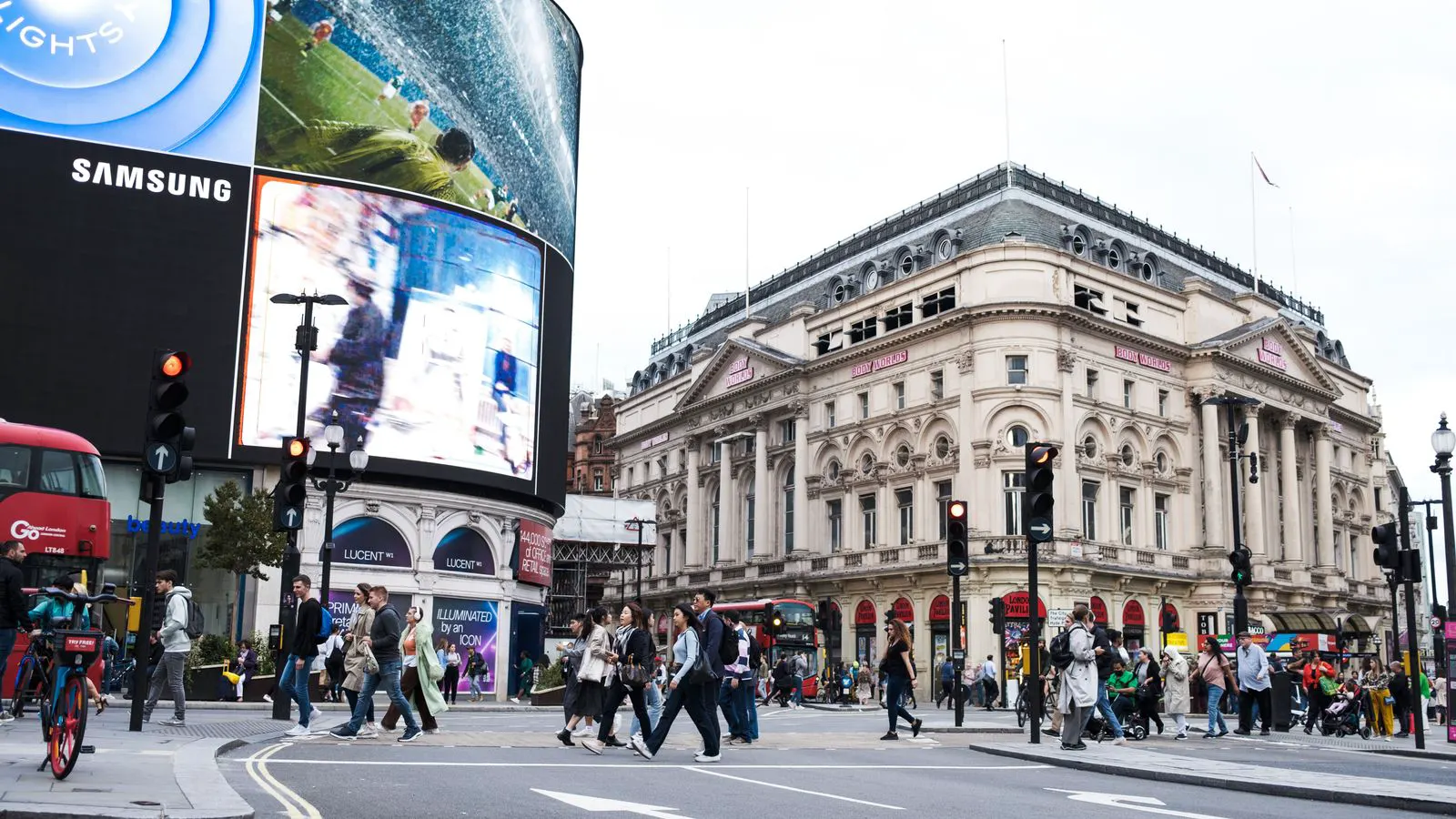
Outdoor led screens are being installed in more challenging environments. Urban centers with reflective glass buildings and direct afternoon sunlight require higher lumen outputs. The days of relying on moderate brightness for daytime visibility are ending.
Procurement managers should specify brightness levels based on site conditions. A screen in a shaded park requires different output than one facing a south-facing street. Measure the ambient light at your site during peak sun hours. Factor in glare from nearby buildings, wet pavement, and vehicle headlights.
Higher brightness also increases power draw and heat generation. This creates a secondary requirement for thermal management. Specify screens with adequate cooling capacity. Ask vendors for thermal performance data, not just brightness claims.
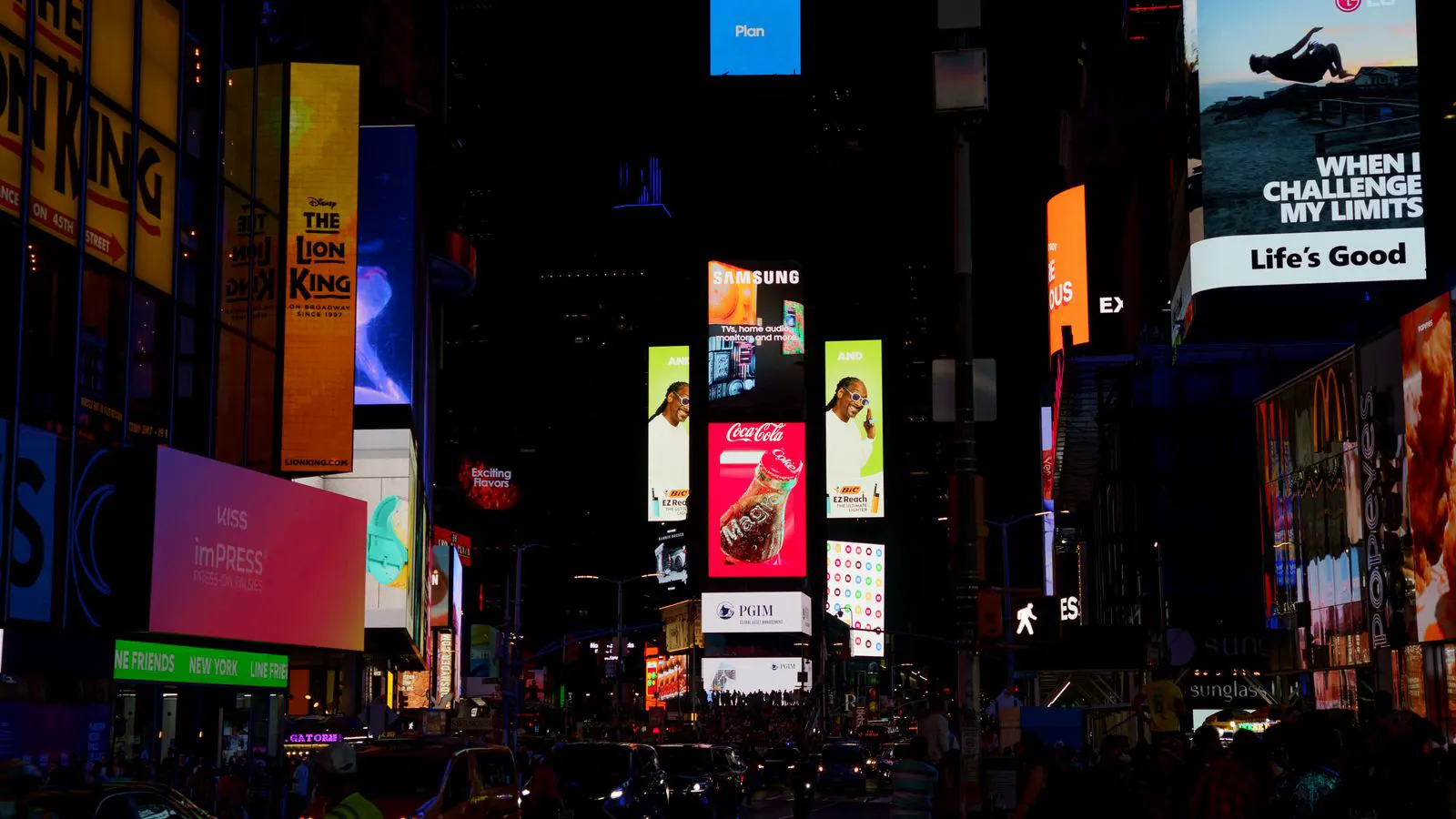
Low-light operation is becoming a standard feature. Many installations now require dimming capabilities to reduce light pollution at night. This is especially relevant in residential areas and near airports. Plan for screens that can operate at a fraction of their maximum brightness without color shift.
Weatherproofing Standards Are Raising the Bar
Rain, dust, temperature swings, and humidity are the daily realities of outdoor installation. Older specifications often relied on IP65 or IP66 ratings. Current installations increasingly demand IP68 or equivalent protection. This matters because many sites experience heavy rain, sandstorms, or coastal salt air.
The enclosure design is where most failures happen. Water ingress at cable entry points is a common issue. Specify sealed cable glands and proper cable routing. Ensure the enclosure has drainage holes that prevent water pooling. Vents must be protected against dust and rain while allowing heat escape.
Thermal shock is a major concern. Screens may heat up during the day and cool rapidly at night. This cycle stresses internal components. Ask vendors about their thermal cycling test data. Look for designs with even heat distribution and insulated enclosures.
Salt air and pollution accelerate corrosion. In coastal or industrial areas, specify corrosion-resistant materials. Stainless steel fasteners and coated enclosures outperform standard steel. Plan for periodic inspection of seals and gaskets.
Energy Efficiency Is Now a Procurement Priority
Energy costs are a significant factor in total cost of ownership. Outdoor screens run continuously, often 18 to 24 hours a day. Inefficient screens create substantial utility bills and generate excess heat.
Modern displays use more efficient drivers and power supply units. These components reduce standby power and improve power factor. Ask vendors for power consumption data under typical operating conditions. Compare wattage per square meter, not just total system power.
Dimming capability directly impacts energy use. A screen that can drop to 30 percent brightness at night saves significant power. Plan for automatic brightness control based on ambient light sensors. This reduces energy use and extends component life.
Energy efficiency also ties to thermal management. Less wasted heat means less cooling required. This creates a positive feedback loop. Efficient screens run cooler, which reduces fan usage and strain on power supplies.
Low-Light Performance Is Gaining Importance
Nighttime operation presents unique challenges. Screens need to be visible in darkness but not so bright that they cause glare or light pollution. This requires careful calibration and control.
Color accuracy at low brightness levels is a common failure point. Many screens lose color fidelity when dimmed. Specify screens with stable color performance across their full brightness range. Ask for side-by-side comparisons at 100 percent and 10 percent brightness.
Flicker at low brightness levels can cause visual discomfort. High refresh rates and proper PWM dimming reduce this issue. Test screens at low brightness before finalizing your specification. Look for flicker-free operation at all levels.
Light pollution regulations are tightening in many jurisdictions. Plan for screens that meet local noise and light ordinances. Coordinate with local authorities early in the project. This avoids costly retrofits or operational restrictions after installation.
Thermal Management Is Becoming a Design Requirement
Heat is the enemy of outdoor electronics. Solar radiation, ambient temperature, and internal power generation all contribute to heat buildup. Poor thermal management shortens component life and causes failures.
Active cooling systems are standard in most outdoor screens. Fans pull heat out of the enclosure and exhaust it. But fan placement matters. Poor airflow design creates hot spots that stress specific components. Ask vendors for thermal mapping data.
Passive cooling options are emerging for smaller installations. Heat sinks and convection-based designs reduce fan noise and maintenance. These work well in moderate climates but may struggle in extreme heat. Specify based on your site’s maximum temperature.
Thermal management also affects brightness stability. High temperatures can cause brightness drop and color shift. Specify screens that maintain performance within rated temperature ranges. Ask about maximum operating temperature and derating curves.
Maintenance and Serviceability Are Changing
Outdoor installations need regular maintenance. Seals degrade, fans wear out, and electronics fail. The ease of maintenance affects long-term costs and downtime.
Modular designs make replacement faster. If one panel fails, you can swap it without replacing the entire screen. This reduces downtime and inventory costs. Specify modular construction with standardized panels.
Remote monitoring is becoming standard. Sensors track temperature, power consumption, and fan status. Alerts notify your team before failures become critical. Plan for a monitoring system that integrates with your existing operations.
Spare parts availability is a common pain point. Specify screens with common components that are easy to source. Ask vendors about their spare parts program and typical lead times. This reduces the risk of long downtime.
Specification Table for New Outdoor Projects
The table below summarizes key specification points for new outdoor installations. Use it as a checklist during your procurement process.
| Specification Area | What to Specify | Why It Matters |
|---|---|---|
| Brightness | 8000 nits minimum for direct sunlight | Ensures visibility in glare conditions |
| Waterproofing | IP68 rating with sealed cable entries | Prevents water ingress and corrosion |
| Energy | Under 150 watts per square meter | Reduces power costs and heat |
| Dimming | 1 to 100 percent with stable color | Controls light pollution and saves energy |
| Thermal | Active cooling with thermal mapping | Prevents component failures |
| Maintenance | Modular panels with remote monitoring | Reduces downtime and repair costs |
These points are not optional. They represent the minimum requirements for reliable operation in most outdoor environments. Adjust them based on your specific site conditions.
How to Prepare Your Procurement Process
Start by documenting your site conditions. Measure ambient light, record temperature ranges, and note humidity levels. This data drives your brightness and waterproofing specifications. Without it, you are guessing.
Engage vendors early in the specification process. Ask for their experience with similar installations. Request case studies with performance data, not just photos. Verify their thermal and weatherproofing test results.
Plan for integration and testing. Specify a commissioning process that includes brightness calibration, dimming verification, and thermal checks. This catches issues before the screen goes live.
Budget for maintenance. Factor in periodic seal replacement, fan service, and software updates. A well-maintained screen outperforms a neglected one by years.
Final Thoughts
The outdoor display market is maturing. Buyers now have more options and higher expectations. The technology is improving, but so are the demands. Planning for these shifts protects your investment and ensures reliable operation.
Focus on site-specific requirements. Measure your conditions. Specify accordingly. Work with vendors who understand the technical and operational challenges. This approach will serve your installation well for years.
Frequently asked questions
What brightness level is recommended for outdoor led screens?
Direct sunlight installations typically require 8000 nits or higher. Shaded or ambient light sites may function at lower levels, but measure your specific site conditions before deciding.
Is IP65 sufficient for outdoor installation?
IP65 protects against dust and water jets, but IP68 is preferred for long-term reliability in rain and humidity. Specify IP68 for installations in wet or coastal environments.
How much does energy consumption affect total cost of ownership?
Energy costs can represent a significant portion of lifetime expenses. A 20 percent efficiency improvement can save thousands over a five-year period. Factor this into your budget.
What is the best way to reduce light pollution at night?
Use automatic dimming with ambient light sensors. Set maximum brightness levels for nighttime hours and coordinate with local regulations to avoid complaints.
How often should outdoor screens be maintained?
Inspect seals and cable entries quarterly. Clean panels and vents annually. Replace fans and filters based on manufacturer recommendations and actual wear.